Your rental listings, requests and settings
Approve requests, see your boards for rent, and set your ding prices.
In the manage view, press Rental listings. There are three tabs:
- Reservations: rental requests for your boards. Open a request to approve or decline it.
- Rentals: the boards you rent out. Press Add rental to put another board up for rent.
- Rental settings: your ding prices, the repair prices surfers agree to when they rent your board. See Damage, dings and insurance.
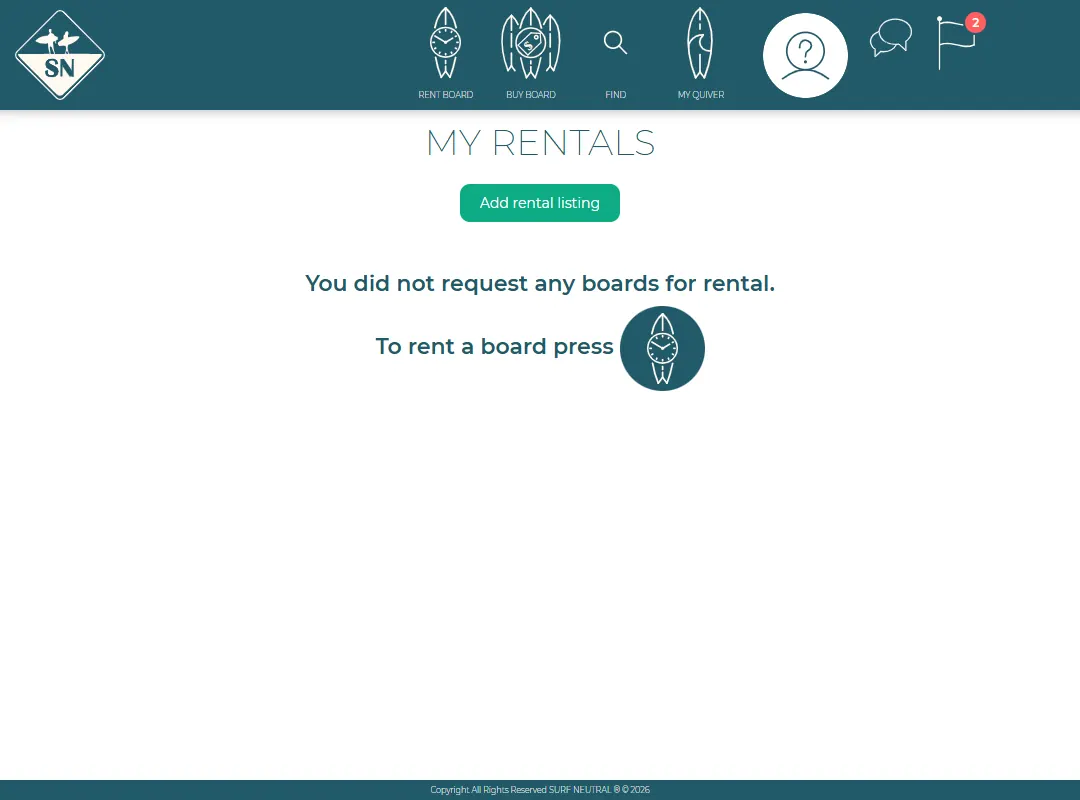
Surfers see their own requests under My rentals in the surfer view.
Last updated 7 November 2026


