Rent out your board
Put one of your boards up for rent and set the price.
- Open My boards (manage view) or My quiver, press the three dots on the board and press the clock icon. You'll find the same icon under Board actions on the board page.
- Press Yes to put the board up for rent.
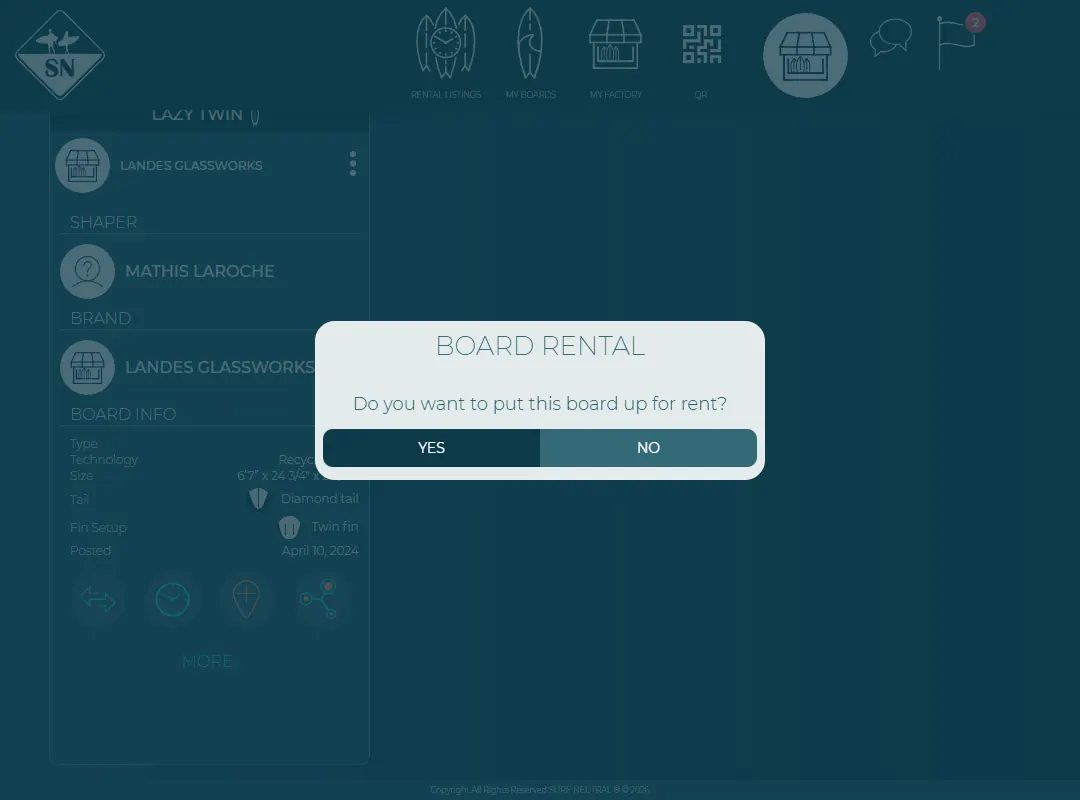
Put the board up for rent. - Choose the surf level the board suits.
- Set the price per day. Add remarks, for example where to pick up the board and the deposit you ask.
- Press Save. The board now shows under Rent board.
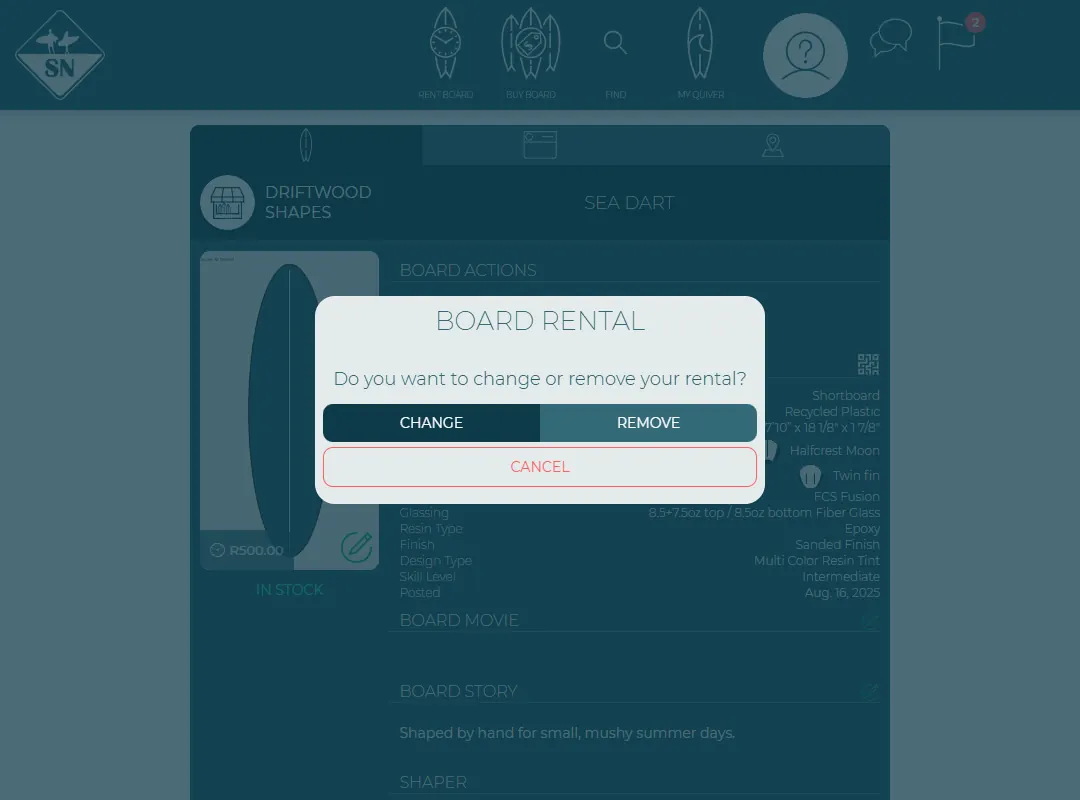
To change the price or stop renting, press the clock icon again and choose Change or Remove.
Surfers see your day price as you set it. Day prices can be between €15 and €120 (or the same in your currency). Surf Neutral doesn't take payments: you agree on payment and deposit with the surfer, see What to agree with the surfer.
Last updated 7 November 2026


