Getting started as a shaper
The steps from sign-up to your first board on Surf Neutral.
- Sign up as a shaper.
- Complete your profile: open My Profile in the manage view and fill in the My Brand and About me tabs. This is what surfers see on your brand page.
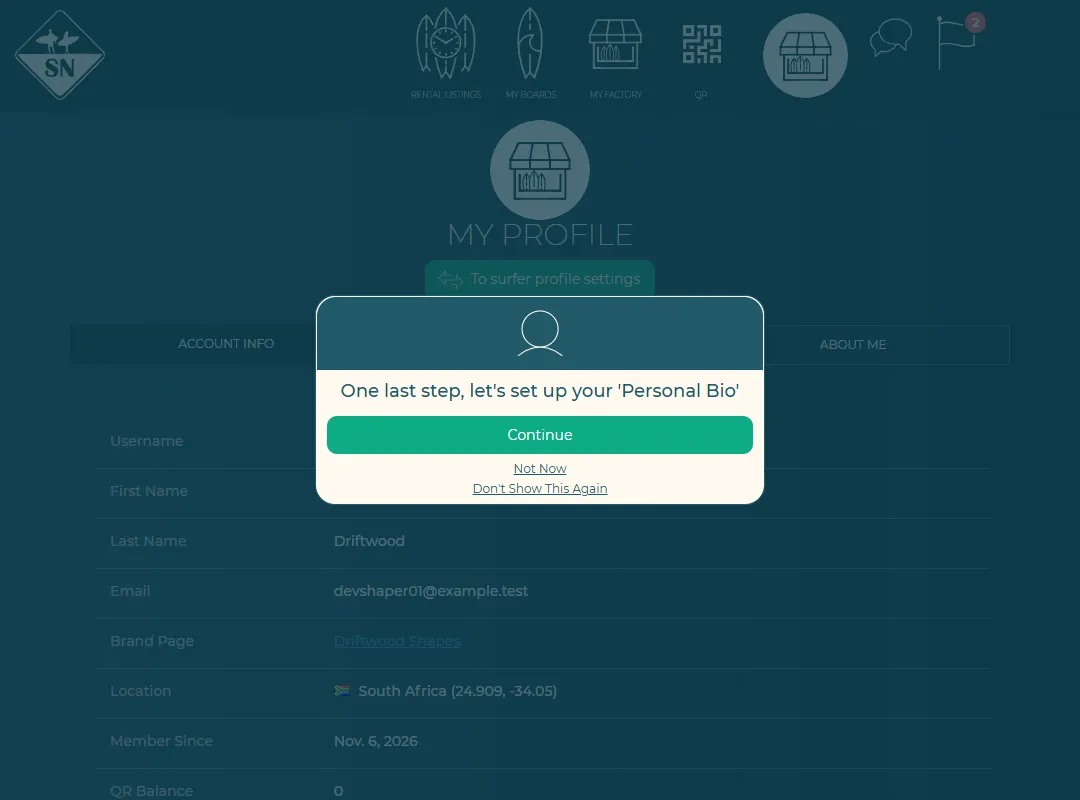
My Profile in the manage view. - Optional: add your models under My factory, so new boards are quicker to add.
- Add an order to your factory for a customer or for stock, and print its order form.
- Get your QR codes and laminate one into the board.
- When the board is done, register it from your factory.
- Transfer the board to the surfer, or rent it out.
The first time you open a page, a short pop-up explains it. Turned them off? Press Re-enable all onsite help on My Profile.
Last updated 7 November 2026


