Your factory, orders and the order form
Add a board order, follow it in your factory, and print or email the order form.
The factory is your workshop on Surf Neutral. Every board you are going to shape starts as an order: the board's specifications, the surfer it is for, and your remarks. Each order has a printable order form (PDF) for the shaping bay or for your customer.
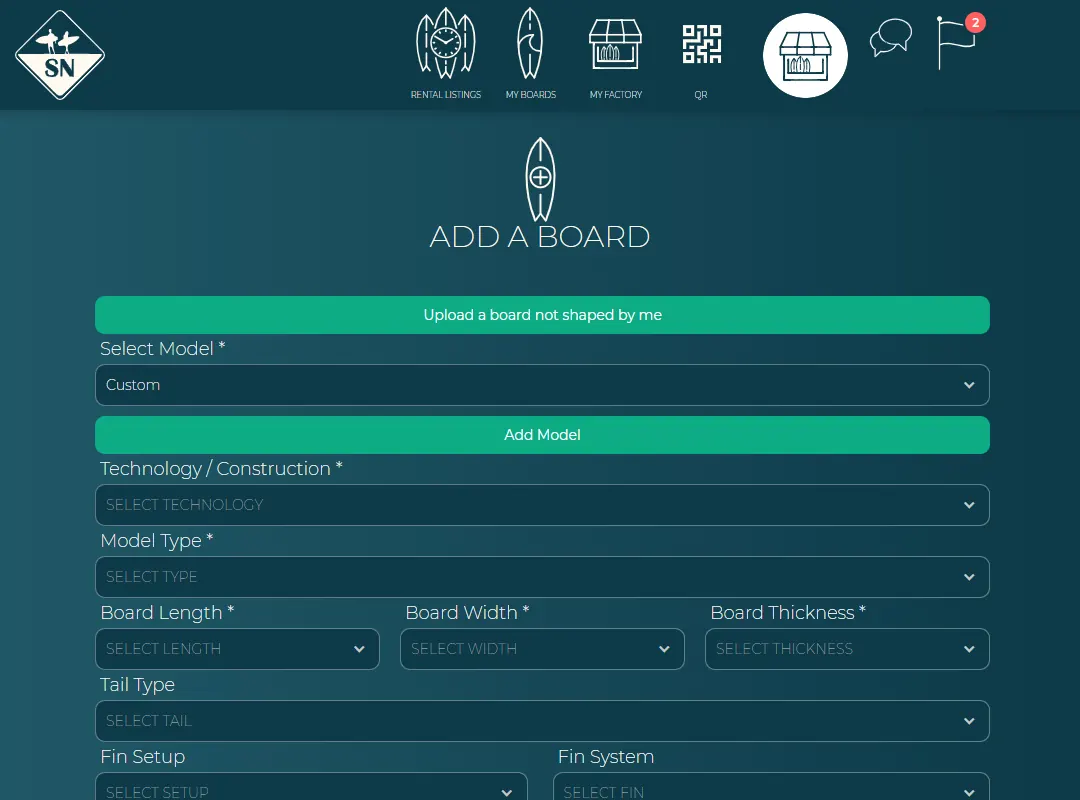
Add an order
- In the manage view, press the round + button and choose Add board.
- Choose one of your models, or keep Custom. Fill in the type, length, width and thickness, and what else you know: tail, fins, glassing, resin, finish and design. Fields with a * are required.
- Add manufacturing remarks for the shaping bay, for example extra rocker or a pinline.
- Optional: pick the surfer under Add surfer. When the board is done, it is transferred to them automatically.
- Press Add To Factory.
Your factory
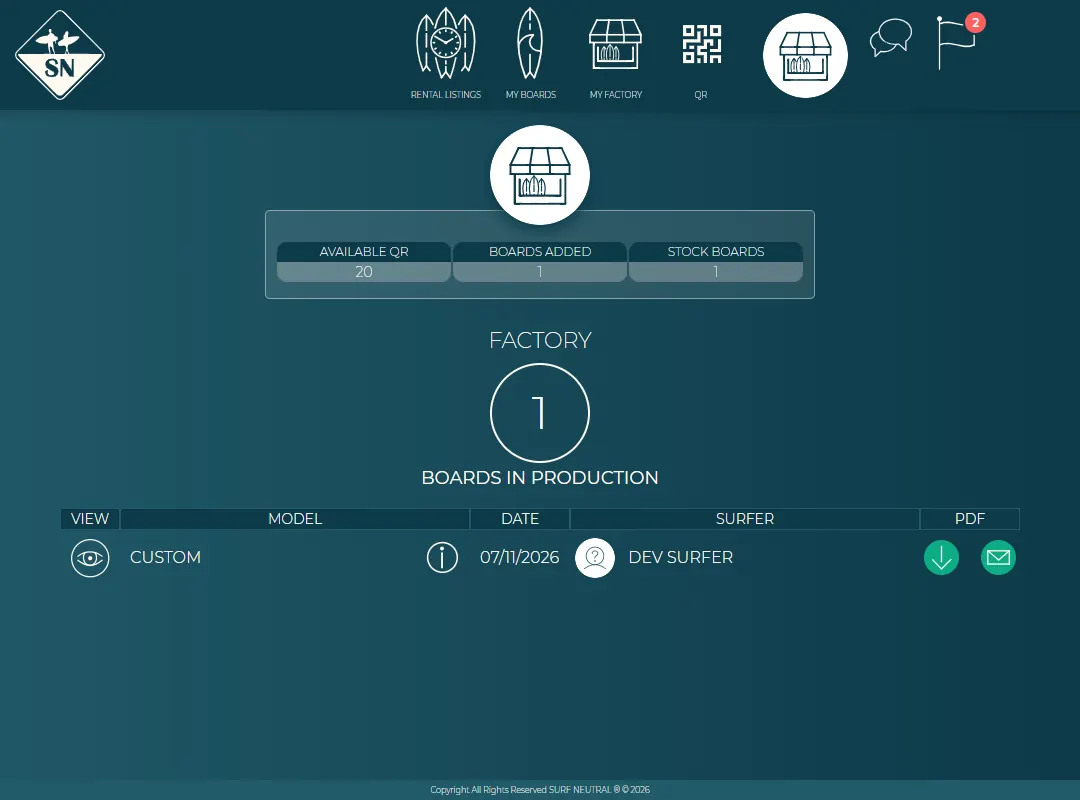
Press My factory in the manage menu. At the top you see how many QR codes you still have available, how many boards you added and how many are in stock. Below that is the list of boards in production:
- the eye opens the order;
- the i shows the model information;
- the date and the surfer the board is for;
- under PDF: download the order form, or email it.
Open, edit or delete an order
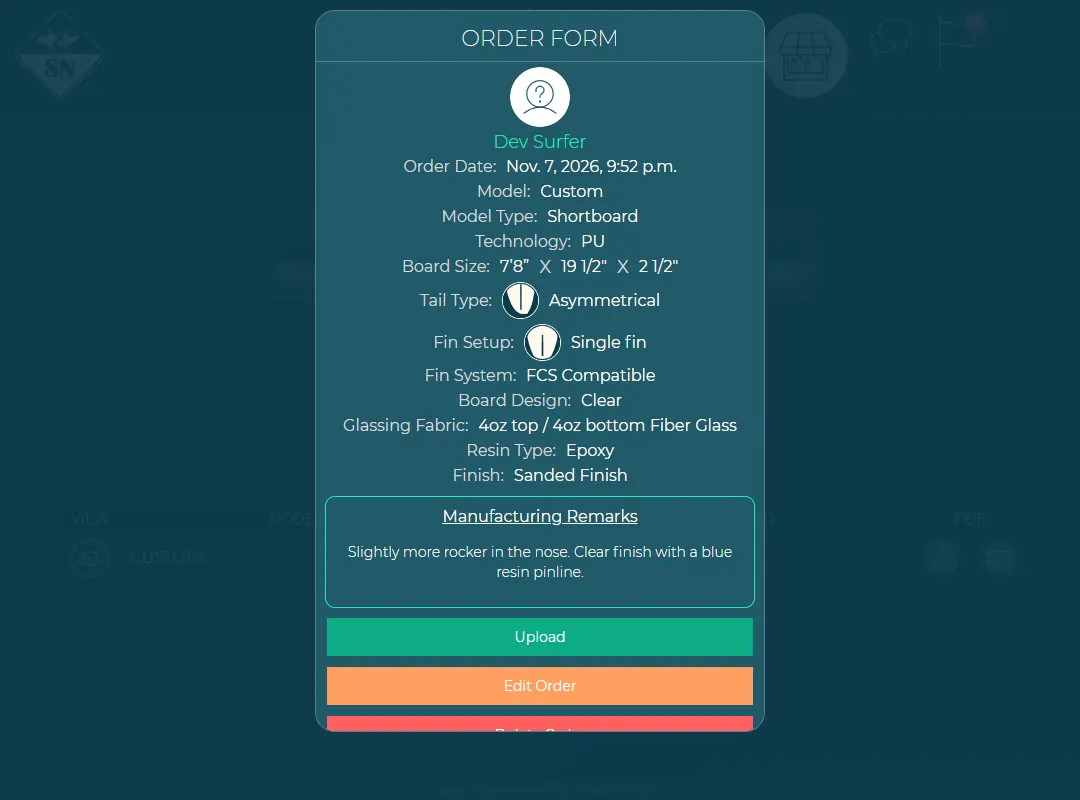
Press the eye to see the whole order. From there you can:
- Upload: the board is finished, register it on Surf Neutral, see Register a finished board;
- Edit Order: change the specifications or remarks;
- Delete Order: remove the order.
The order form (PDF)
Press the download arrow next to an order to get its order form. Print it for the shaping bay, or send it to your customer to check.
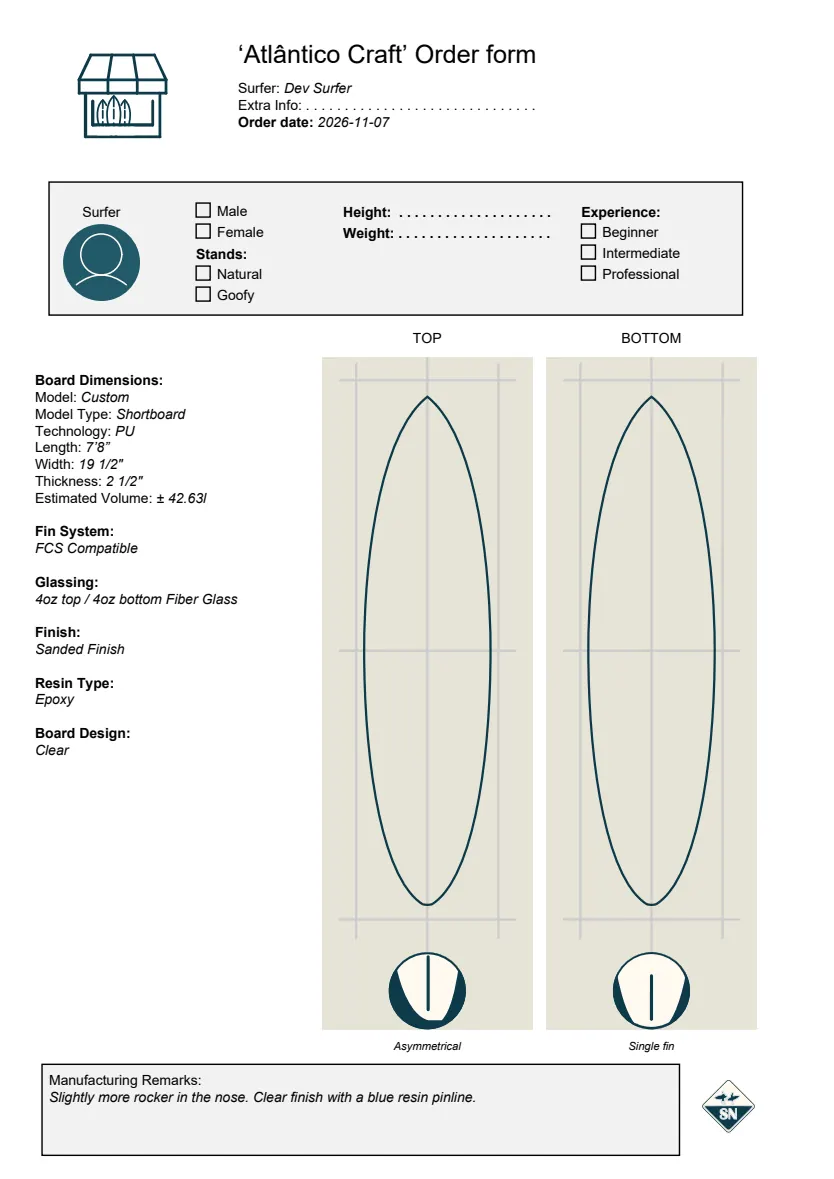
The order form shows:
- At the top: your brand, the surfer, the order date and a line for extra information.
- The surfer box: gender, stance, height, weight and experience, to fill in by hand with your customer.
- Board dimensions: model, type, technology, length, width, thickness and the estimated volume, plus fin system, glassing, finish, resin and design.
- Top and bottom view of the board, with the tail shape and fin setup.
- Manufacturing remarks, and the Surf Neutral logo.
Email the order form
Press the envelope next to an order. Type the email address it should go to, for example your glasser or your customer; you get a copy. Leave it empty to send it only to yourself.
Last updated 7 November 2026


