Upload a board
Put a finished board on Surf Neutral, with photos and its story.
Use this for a finished board, for example one you shaped earlier, or a board you own that isn't on Surf Neutral yet.
- Press the round + button and choose Add board, then Upload Board. Brands find it under Add board in the menu.
- Surf Neutral asks if the board has a laminated QR code. Press Yes to scan or enter it, or No to continue without one.
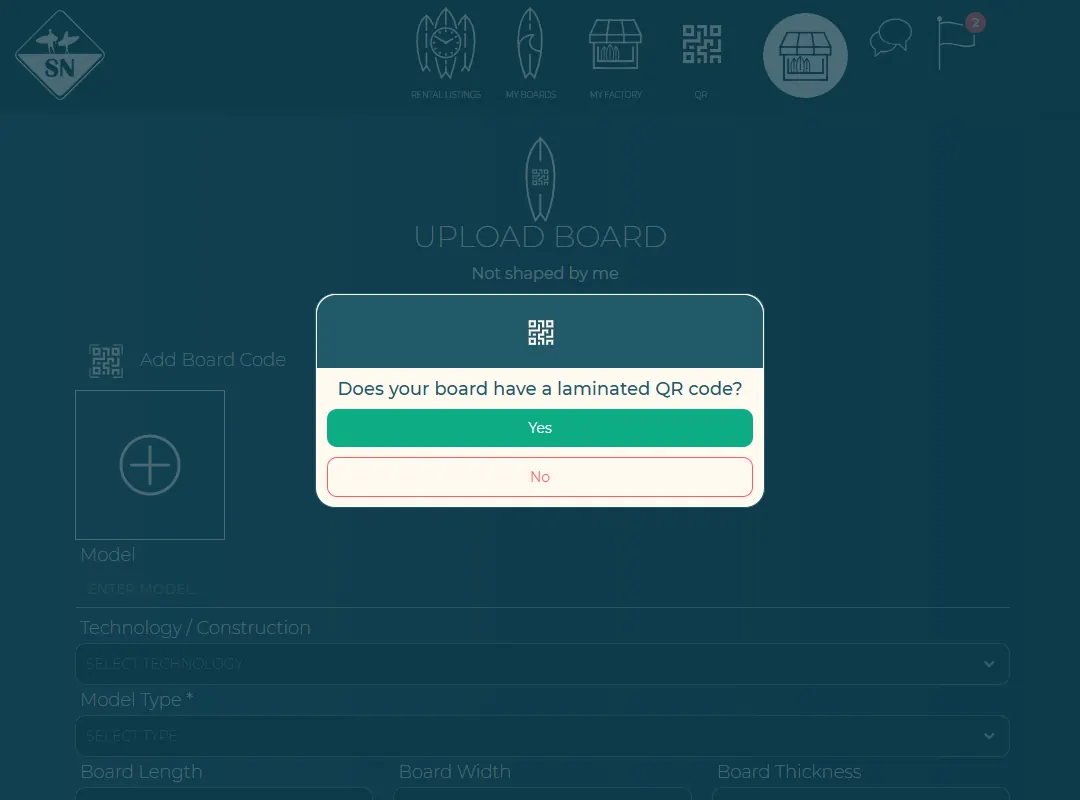
The upload starts with the QR question. - Add photos, the model and the specifications, and save.
Add the board story and a video later from the board page, with the pencil icons.
Last updated 7 November 2026


