Transfer a board to a surfer
Hand a board over on Surf Neutral, so its history moves to the new owner.
- Open My boards (or My quiver), press the three dots on the board and press the transfer icon with the two arrows.
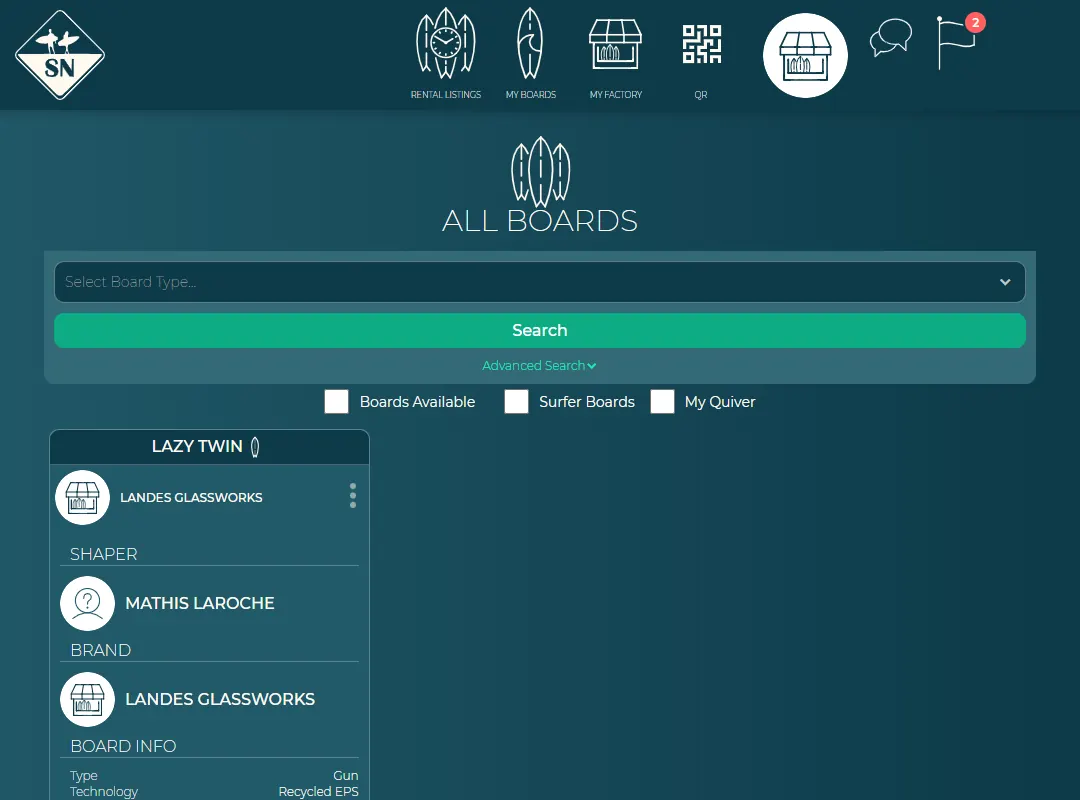
The transfer icon. - Pick the surfer, or type their email address if they're not on Surf Neutral yet. They get an email invitation.
- Press Continue.
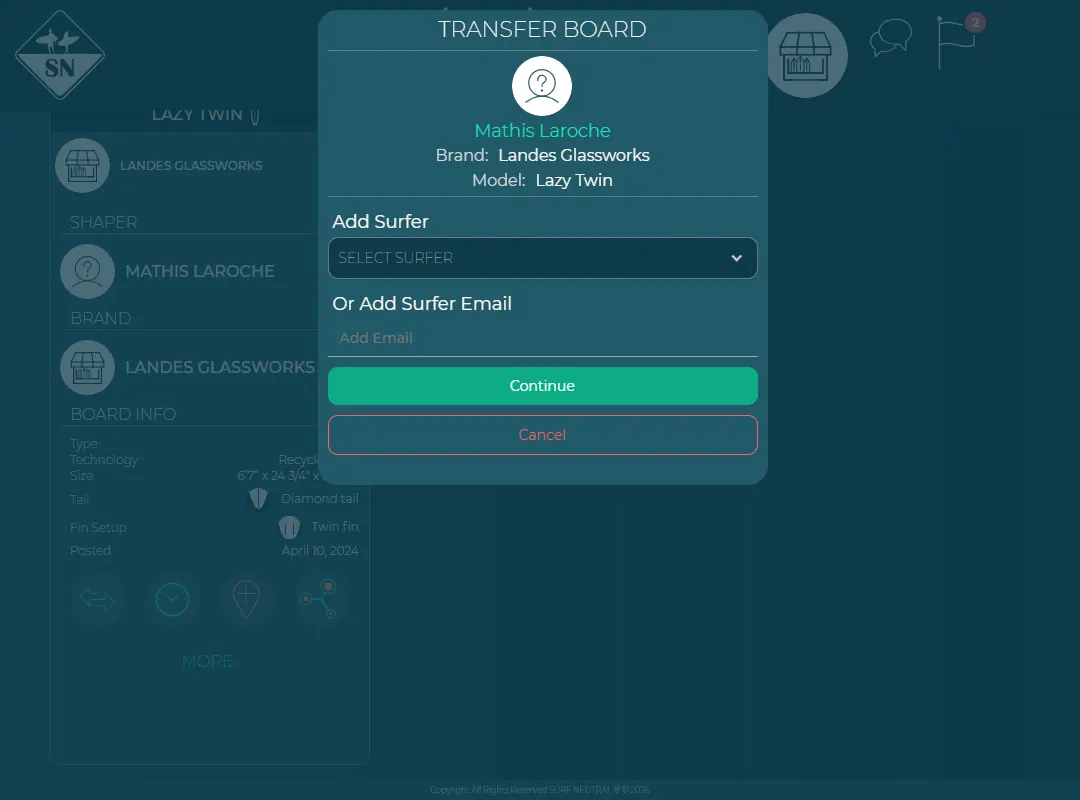
Choose who gets the board. - The new owner accepts the transfer. Until then you can cancel it from the same menu.
A board that is listed for rent can't be transferred. Remove the rental first.
Last updated 7 November 2026


