Accept a board that is transferred to you
When a shaper or owner sends you a board, accept it and it moves to your quiver.
When a shaper or another owner transfers a board to you, you get an email and a notification. The board's history moves with it, so the board keeps its passport.
- No account yet? Press Sign up in the email and sign up with the same email address the shaper used.
- Log in and open My quiver (or press the notification under the flag icon).
- Press the three dots on the board, then the transfer icon with the arrow down.
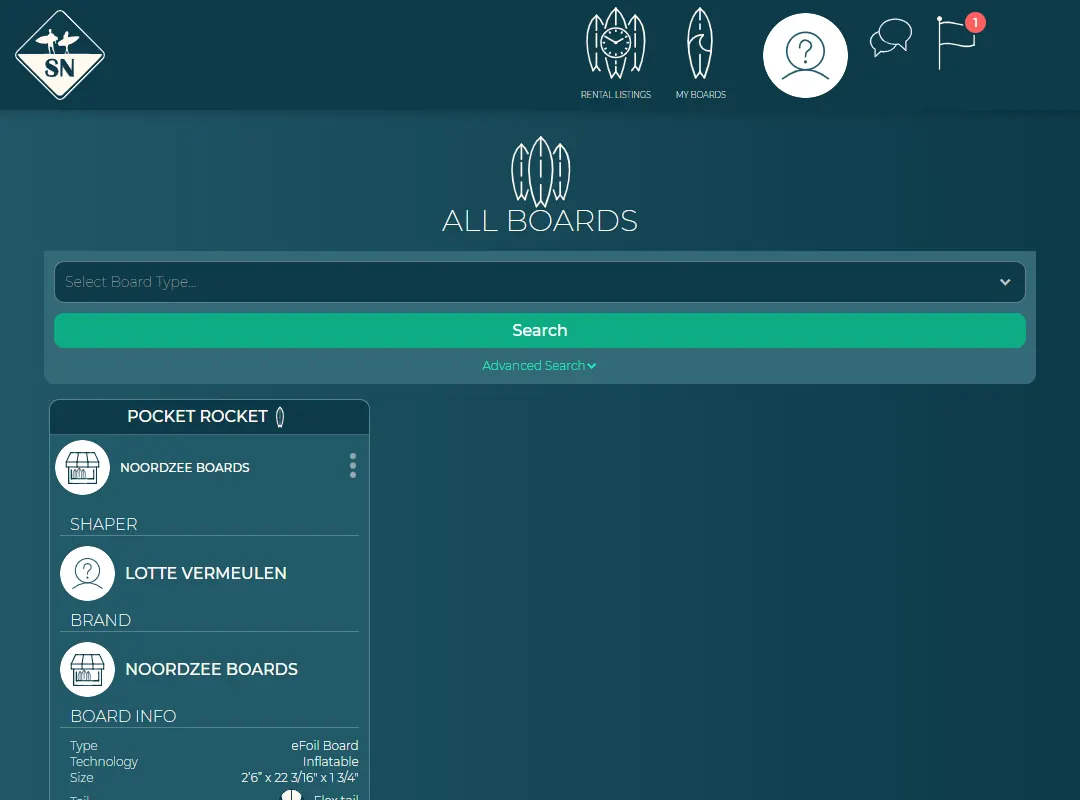
The incoming transfer icon on the board. - Press Accept. Press Reject if the board isn't yours.
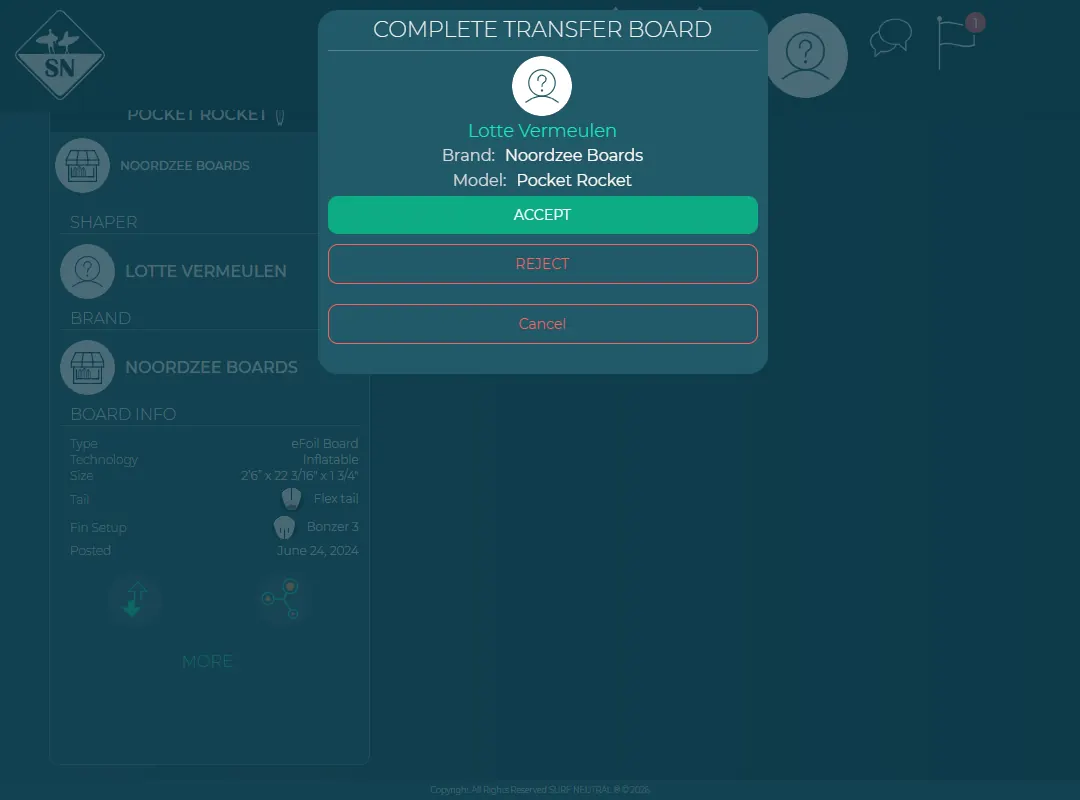
Accept or reject the transfer.
Shapers and brands: switch to the surfer view first, see Surfer view and manage view.
Last updated 7 November 2026


