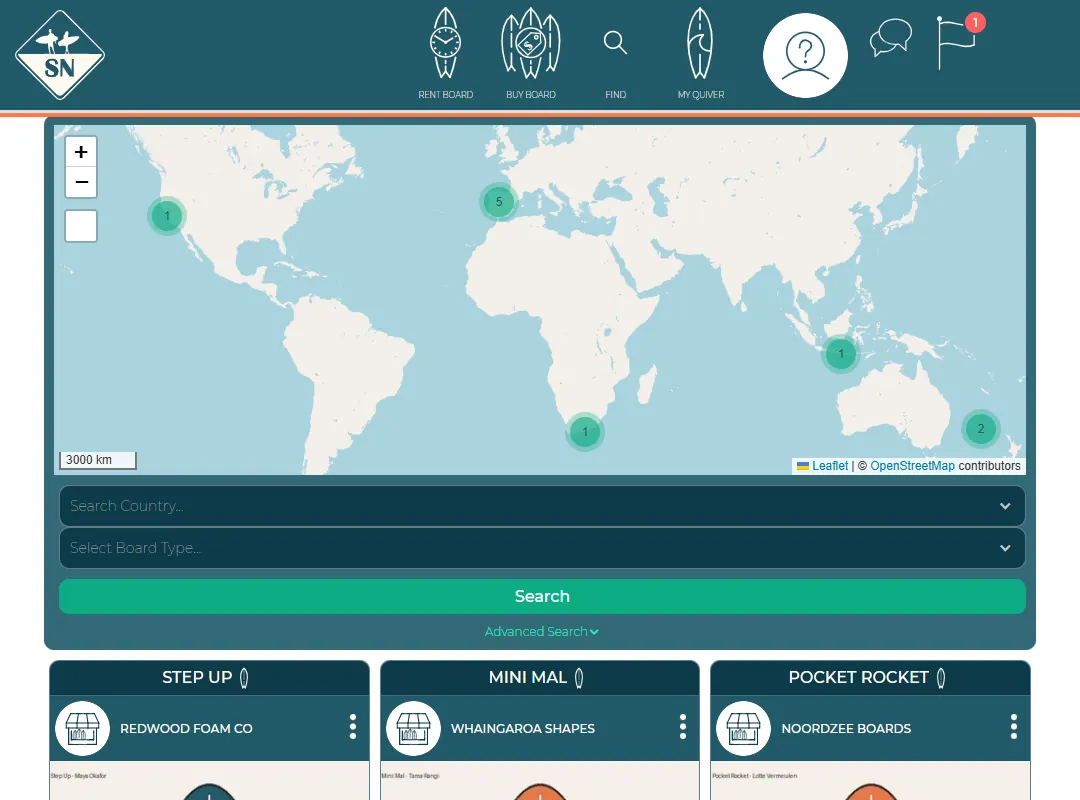
Surfer view and manage view
Shapers and brands have two menus. Here is how to switch.
Shapers and brands see Surf Neutral in two ways:
- Surfer view for browsing: Rent board, Buy board, Find and My quiver.
- Manage view for your own boards: Rental listings, My boards, My factory and QR (shapers), or Rental listings and My boards (brands).
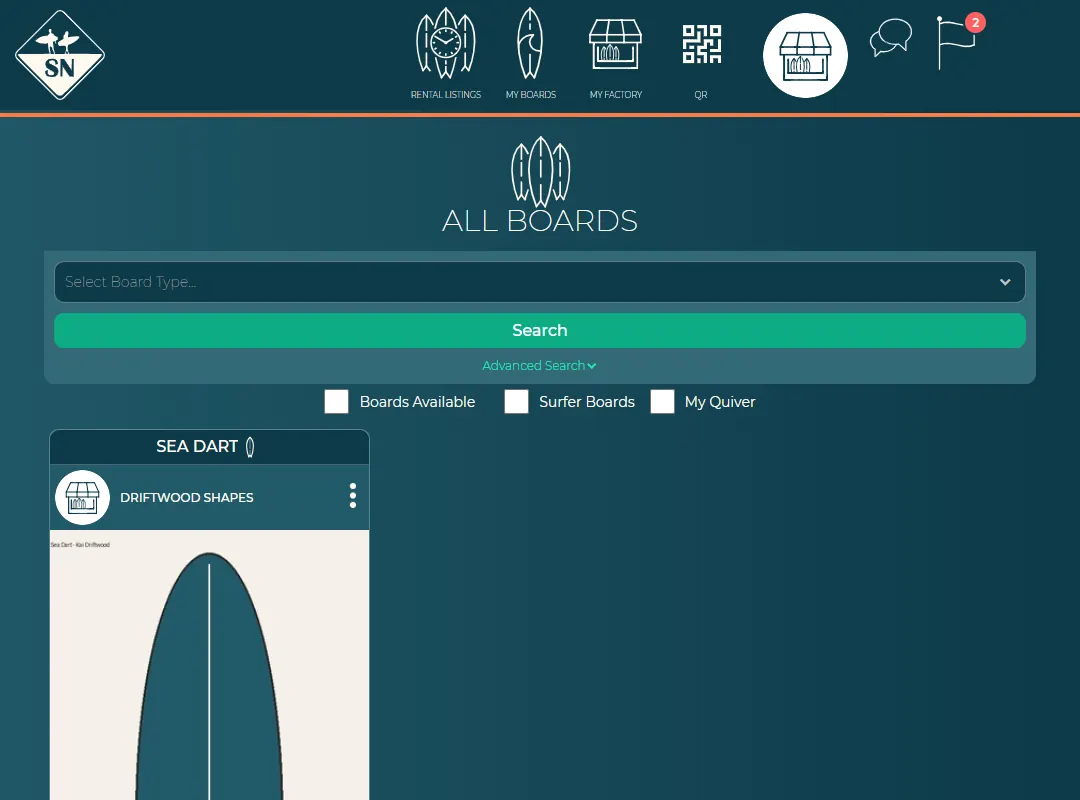
To switch, press your profile picture in the menu and choose Manage Mode or Surfer Mode. The round + button at the bottom right of most pages also has the switch.
Last updated 7 November 2026


