How do I log in?
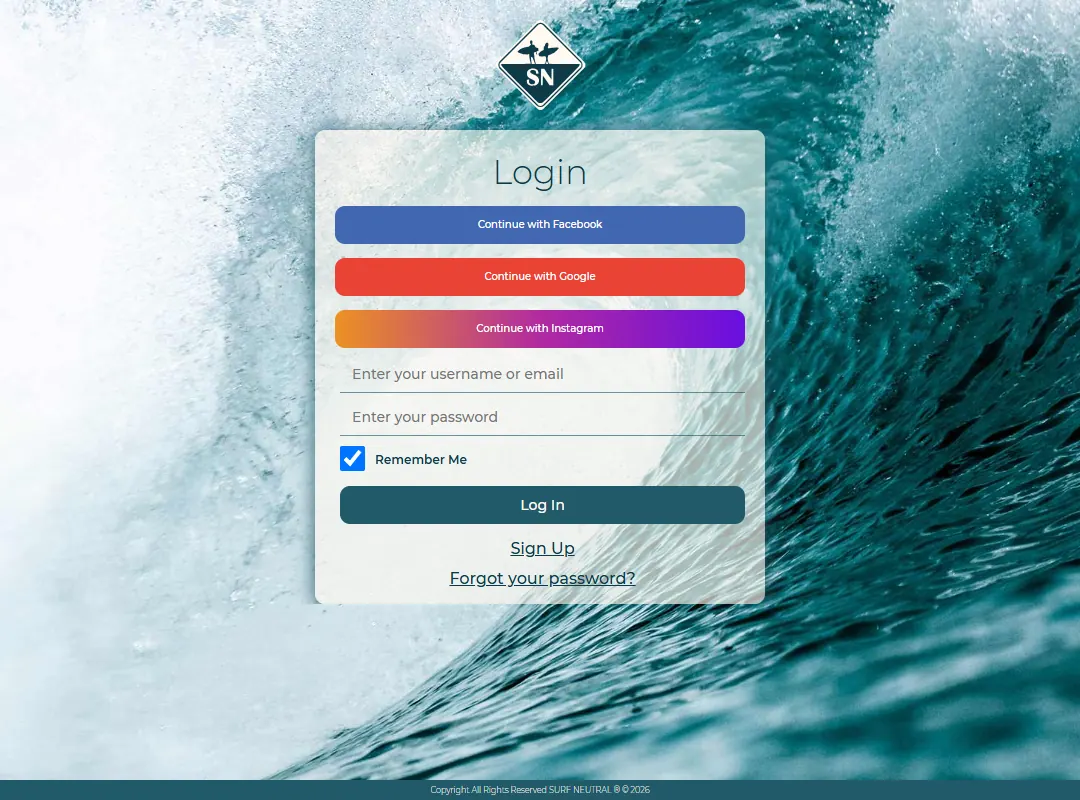
Log in with your username or email, or with the social account you signed up with.
- Go to surfneutral.com/account/login.
- If you signed up with Facebook, Google or Instagram, press that button.
- Otherwise enter your username or email address and your password, and press Log In.
Using a different Google account on Safari
If Google logs you in with the wrong account, open google.com in Safari, add the account you want in the top right corner, then go back to Surf Neutral and press Continue with Google. Google now lets you choose.
Forgot your password? See Forgot or change your password.
Last updated 7 November 2026


