How do I create an account?
Sign up with Facebook, Google, Instagram or your email address.
- Go to surfneutral.com/account/signup and scroll to Discover your benefits & sign up.
- Choose As a shaper, As a brand or As a surfer. Not sure? See which account fits you.
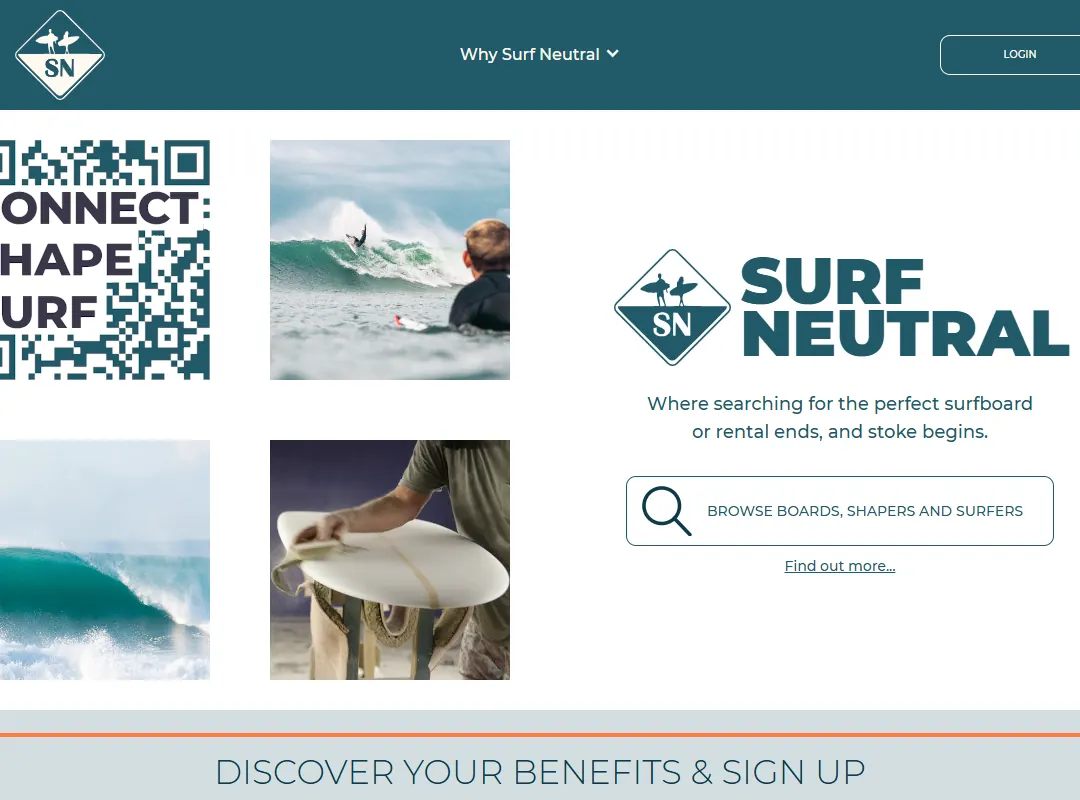
Pick the account type that fits you. - Continue with Facebook, Google or Instagram, or press Continue with Email.
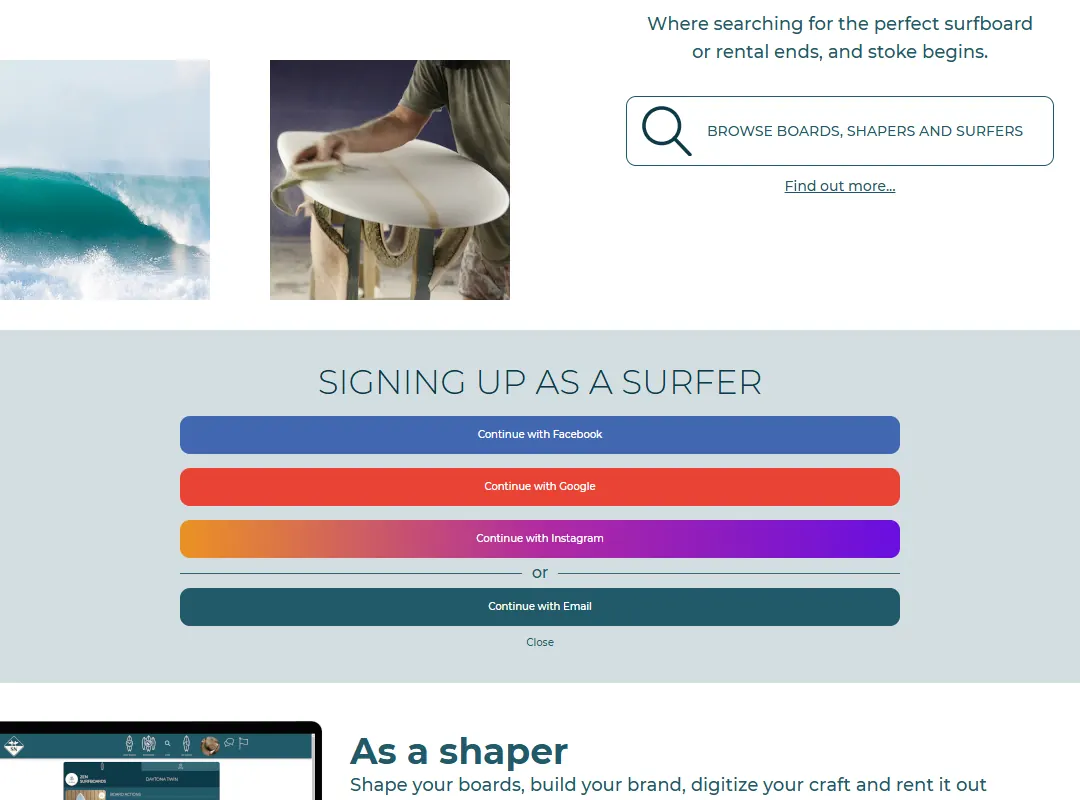
Sign up with a social account or with your email address. - With email: fill in a username, your first and last name, your email address and a password (twice). Tick the box to accept the Terms and Conditions and the Privacy Policy, and press Submit.
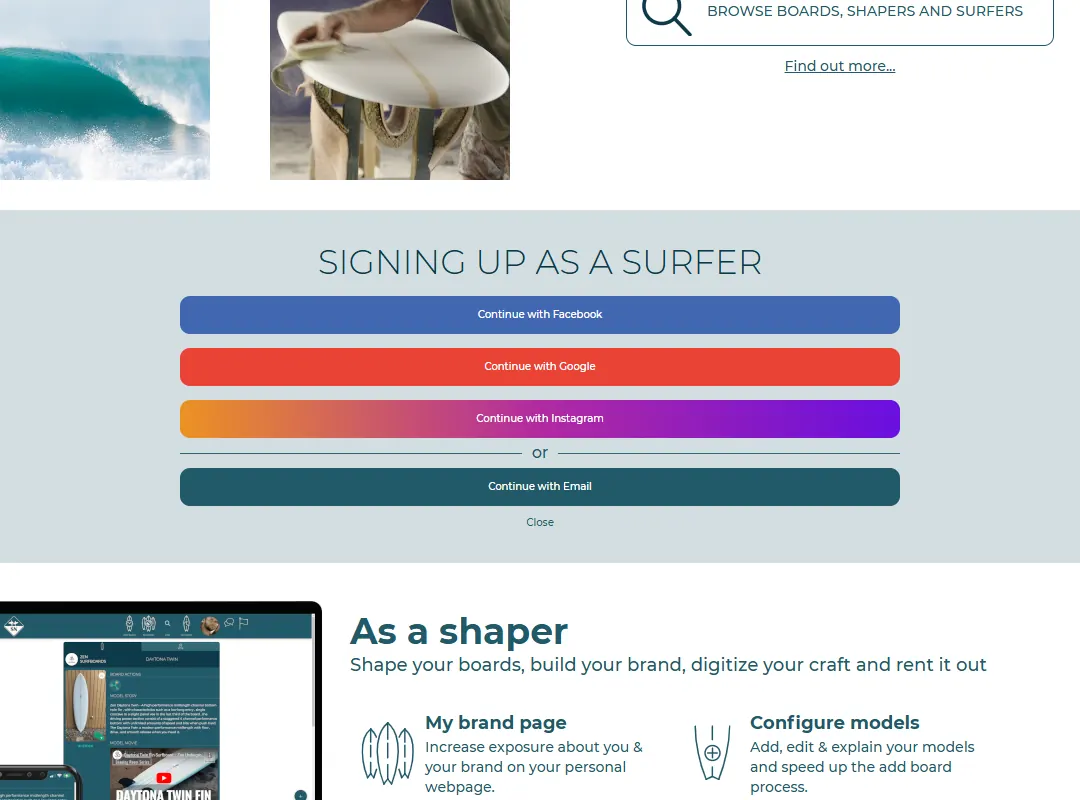
The email sign-up form. - We send you an email from no-reply@surfneutral.com. Open it and press the link to confirm your address. Can't find it? Check your spam folder.
With Facebook, Google or Instagram we only receive your name, email address and profile picture from them. You don't need a separate password.
Last updated 7 November 2026


