Forgot or change your password
Reset a forgotten password by email, or change it from your profile.
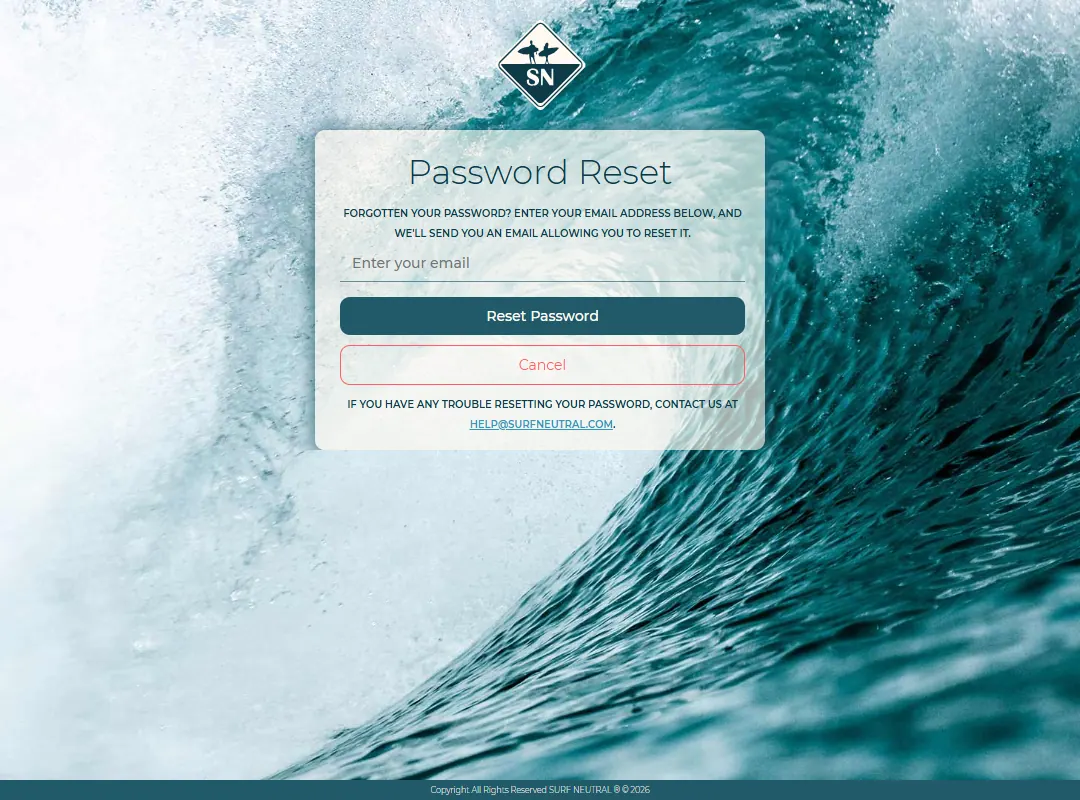
Forgot your password
- On the login page, press Forgot your password?.
- Enter the email address of your account and press the button. We email you a link.
- Open the link and choose a new password.
Change your password
- Open My Profile (your profile picture in the menu).
- Press Change Password.
- Enter your current password and your new password twice.
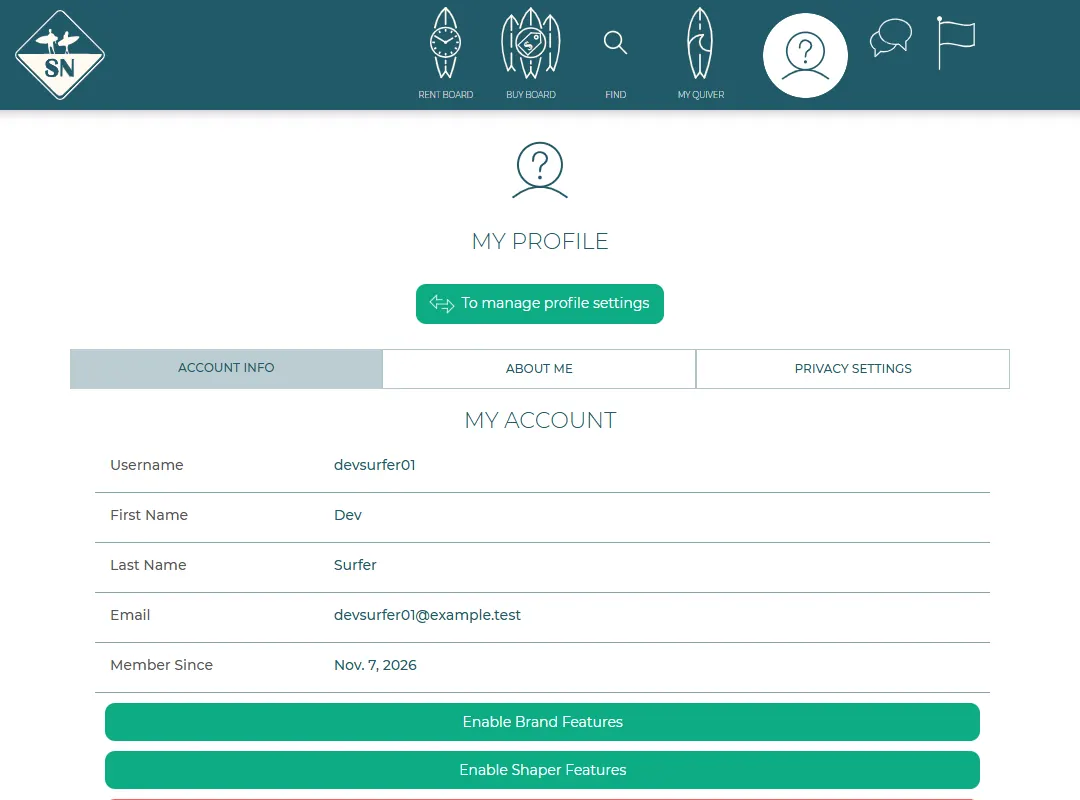
Signed up with Facebook, Google or Instagram? Then you have no Surf Neutral password yet. Change Password takes you to the reset form, where you can set one by email.
Last updated 7 November 2026


