The board page and its QR passport
What you see on a board page, and what happens when you scan a board's QR code.
Every board has its own page. Open it by pressing a board anywhere on Surf Neutral, or by scanning the QR code on the board with your phone camera.
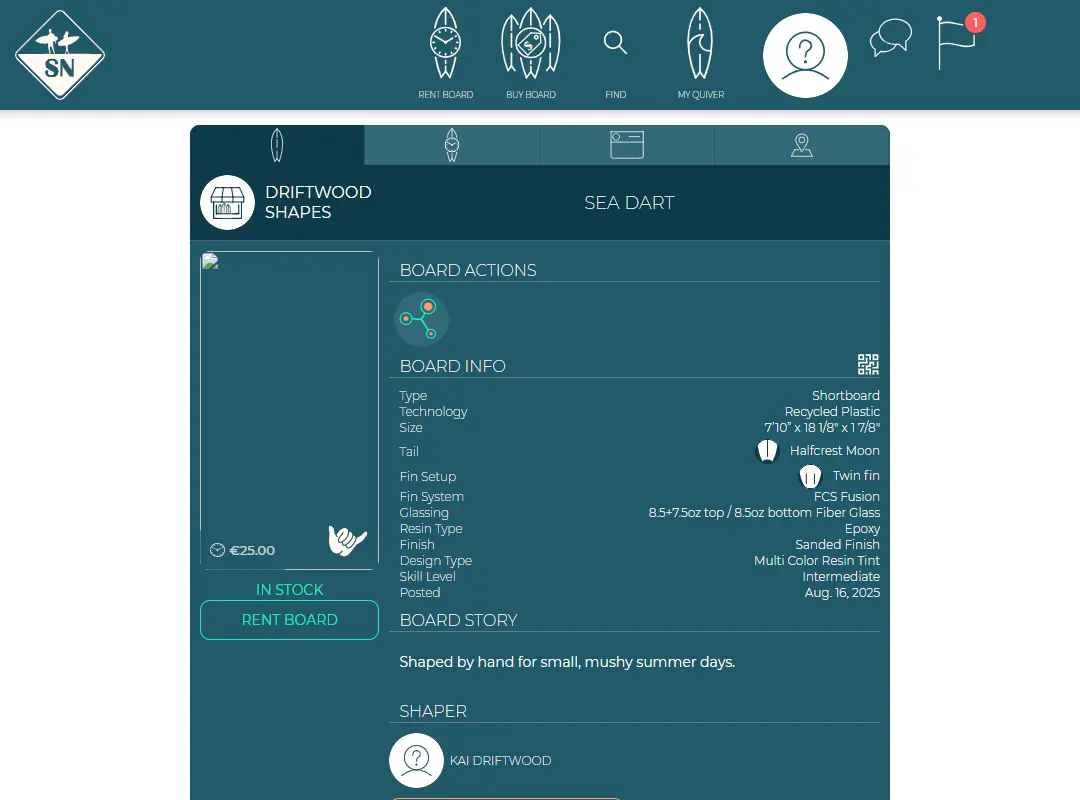
The tabs at the top show:
- Board: photos, the specifications, the board story, the shaper and the current owner. Press Contact shaper or Contact owner to send a message.
- Rental (only for boards for rent): dates and price, see Rent a board.
- Feed: the history of the board, such as transfers and location updates.
- Map: the area where the board has been.
The QR icon next to Board info shows the board's QR code, so you can share it.
Last updated 7 November 2026


