Getting started as a brand
What a brand account can do, and the first steps.
A brand account is for surf brands and shops. You get a brand page and can put your boards on Surf Neutral, rent them out and sell them. The factory, order forms and QR codes are for shapers.
- Sign up and choose As a brand. Already a surfer? Press Enable Brand Features on My Profile.
- Fill in your brand on My Profile in the manage view.
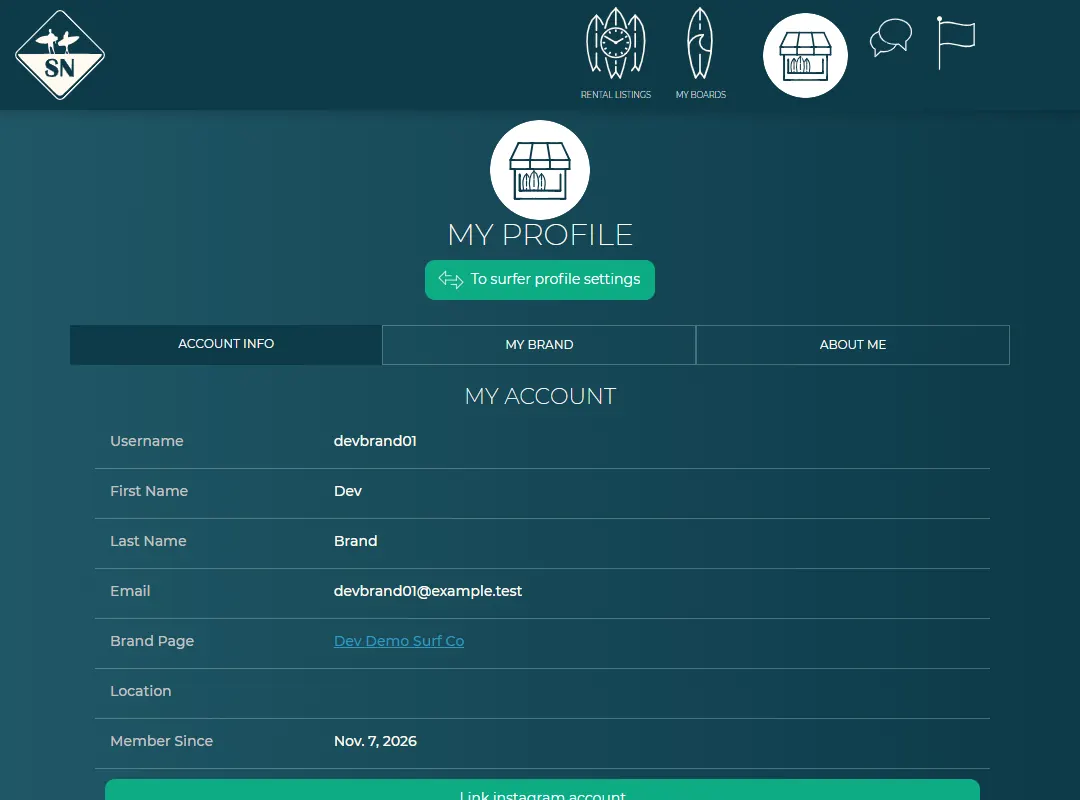
My Profile of a brand. - Press Add board in the menu to upload your boards.
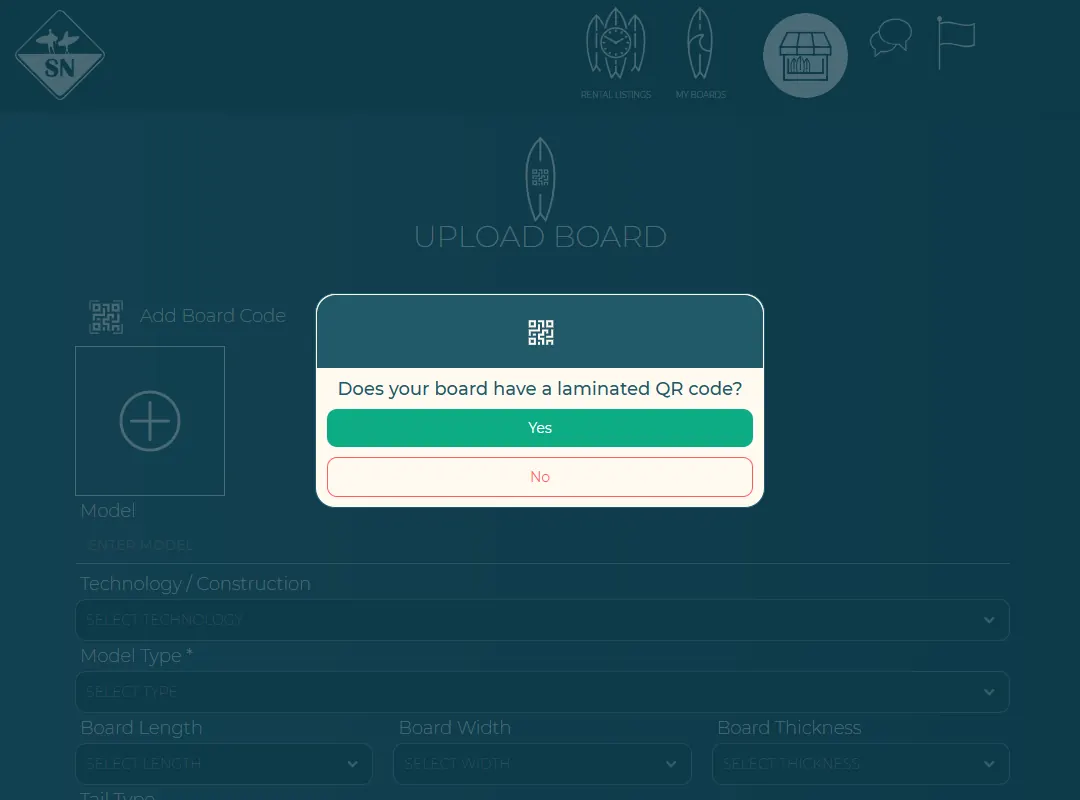
Upload a board as a brand. - Optional: rent out boards as demo or rental boards.
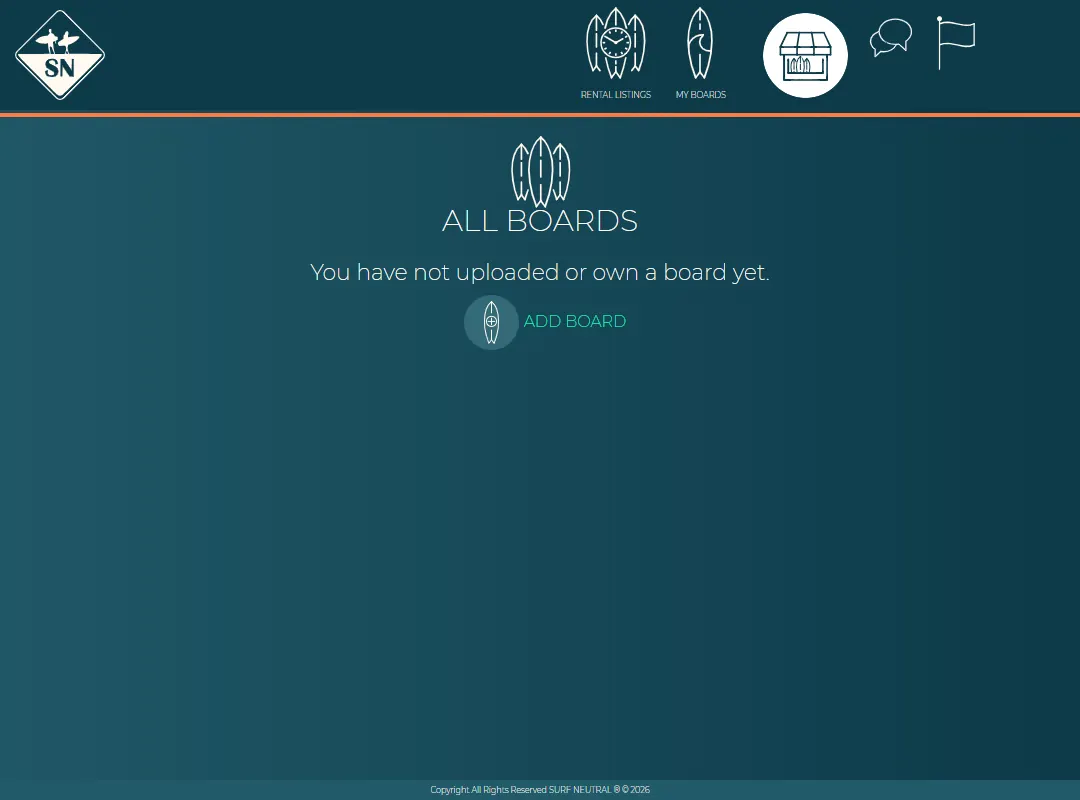
Your brand page is described in Your brand page.
Last updated 7 November 2026


