Make your profile private
Hide your quiver and details from other users.
- Open My Profile.
- Open the Privacy settings tab.
- Tick the privacy box and press Update.
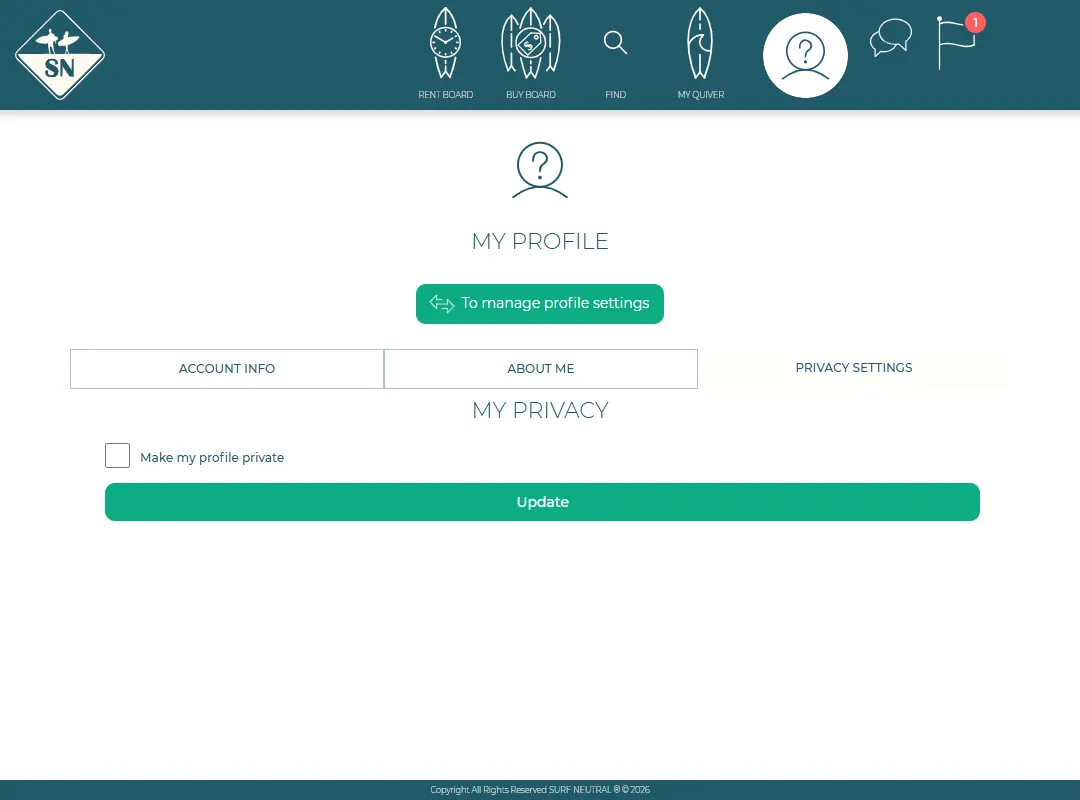
With a private profile, other users can't see your quiver or your details. Boards keep their own page, without your personal details.
How we handle your data is explained in our Privacy Policy.
Last updated 7 November 2026


